Local Chat Add-ons and setup
Auto Chat and AutoPlay allows you to bring your baby's personalty to life and allow them to talk, remember, emote and more with the people and objects around them!

Upsies ♥ MOONbots

Automagically allow your baby to talk as themself with no setup required plus no object green text with MoonBots baby hosting with RLV included!
Sign up your baby as a RLV Bot and get 15 days included with Upsies!
Join MoonBots the all-in-on script baby experience made by [Starries]
Upsies & Smartbots

Add the Smartbots Playground script to your bot to allow your baby to talk as themself in local chat.
Local chat and "touch this" functionality you will first need the smartbots add-on [Starries] Upsies! (AutoPlay Relay).
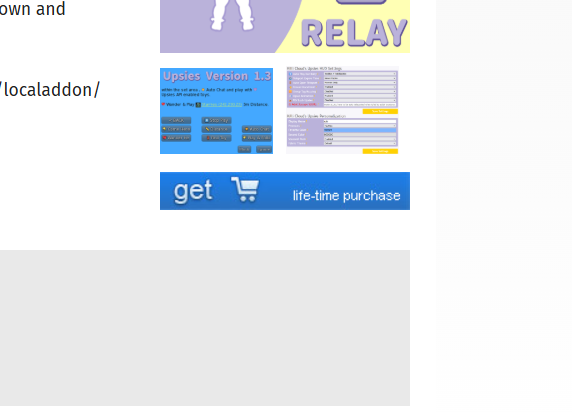
Proceed to confirm the purchase and allow the window to load.

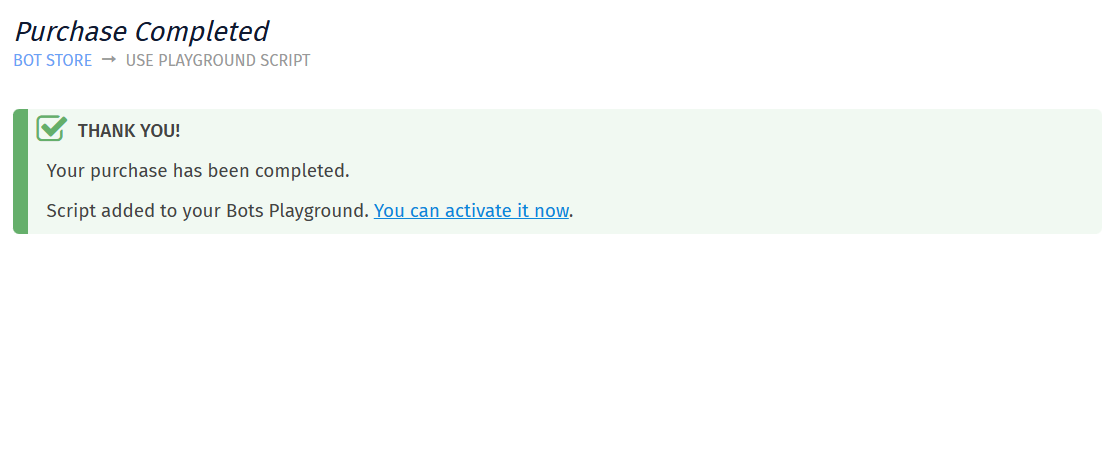
Once the purchase window is completed you will be presented with "Thank you!". Press the "You can activate it now".
After heading to Smartbots Playground you will see a left collum of already purchased scripts and [Starries] Upsies! (AutoPlay Relay). Select [Starries] Upsies! (AutoPlay Relay) and attach to the avatar you want to run AutoPlay.

Run button is located on the bottom of the Smartbots Playground page when selecting the [Starries] Upsies! (AutoPlay Relay) script.
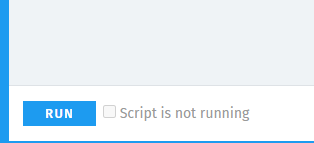
You scripted baby should be able to AutoTalk and Touch selected items instantly.
If you ever have an issue with local chat check out smartbots status or Stop and Run your [Starries] Upsies! (AutoPlay Relay) script within Smartbots Playground.